You need to send a password to a coworker. Or maybe a Wi-Fi key for a guest, an API token for a developer, or a login for a shared account. Without thinking much about it, you type it out in an email or a WhatsApp message and hit send.
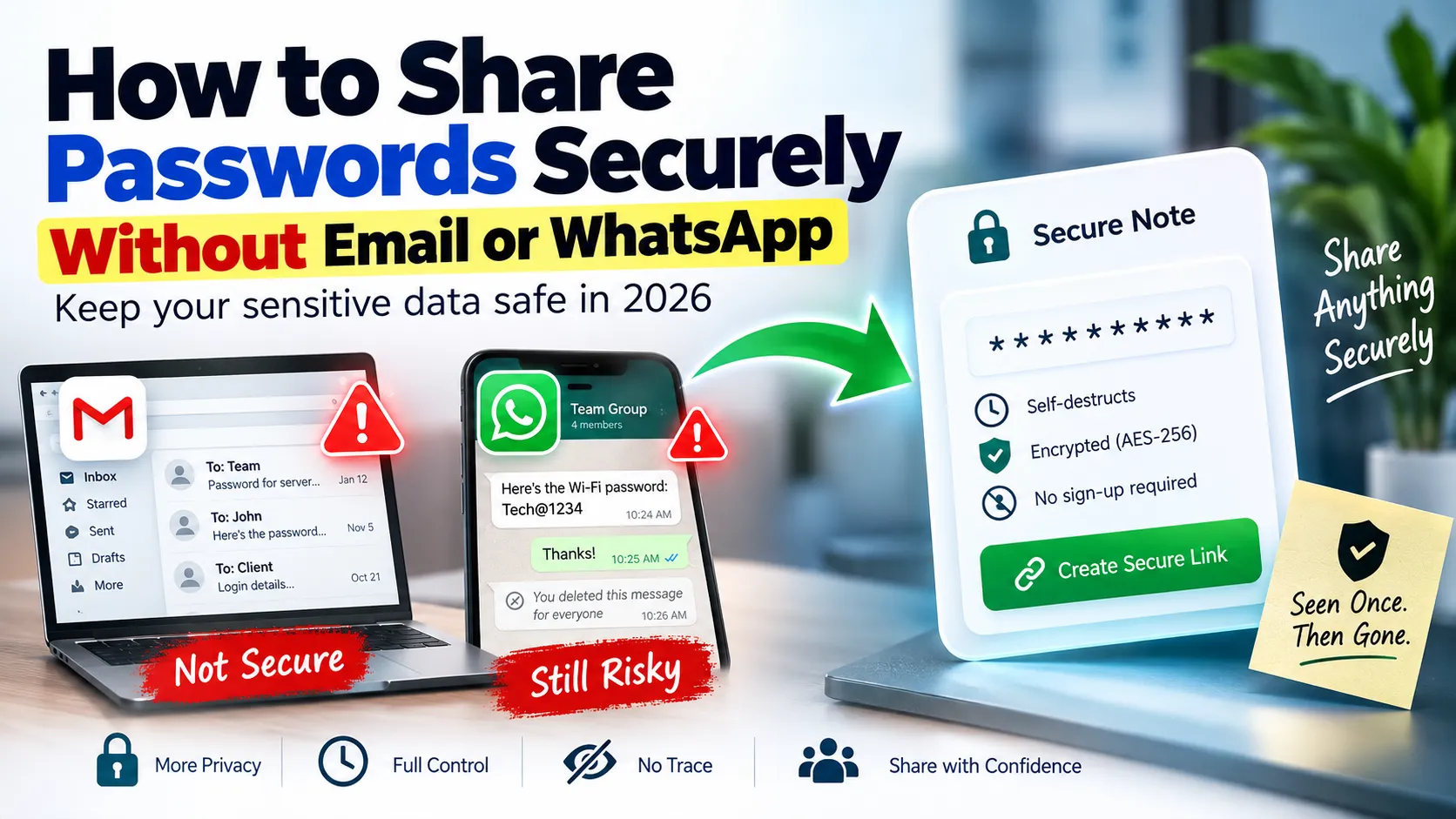
A bad move. Because neither email nor WhatsApp were designed to store sensitive information in a safe place. Once it is out from your finger through either one of those apps it sits there readable and searchable, long after you need it to be seen.
Why Email Is a Bad Place for Passwords
Email feels private because it's addressed to one person. But behind the scenes:
- It's stored forever. Most inboxes never get cleared. That password you sent two years ago is probably still sitting in a "Sent" folder somewhere.
- It's searchable. Anyone with access to the inbox — an IT admin, a hacker, a nosy family member — can search for words like "password" and find it instantly.
- It's backed up. Emails get synced across devices, backed up to the cloud, and sometimes even printed. You lose control the moment you hit send.
- Phishing and breaches are common. If either party's email account is ever compromised, every password ever sent through it is compromised too.
Why WhatsApp Isn't Much Better
WhatsApp's end-to-end encryption protects messages in transit, but that's where the protection ends.
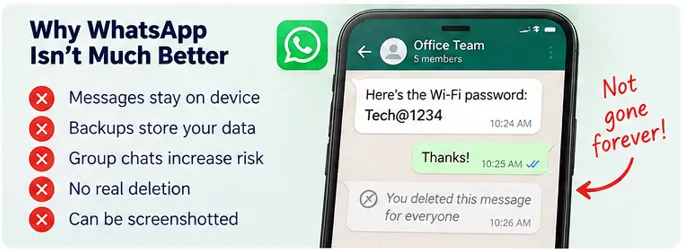
- Messages stay on the device. Chat backups (often unencrypted on Google Drive or iCloud) store your password in plain text.
- Group chats make it worse. Anyone who was ever added to that group — even if removed later — may have already seen or downloaded the message.
- No real deletion. "Delete for everyone" doesn't guarantee the recipient hasn't already screenshotted or backed up the chat.
In short: convenient messaging apps are designed to keep information around. Sharing a secret is the opposite goal — you want it seen once, and gone.
What Secure Password Sharing Actually Looks Like
A proper method for sharing sensitive information should have four properties:
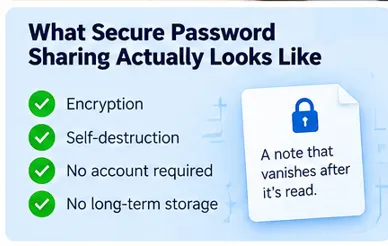
- Encryption — the content should be unreadable to anyone except the intended recipient.
- Self-destruction — the message should disappear permanently after being viewed, or after a set time.
- No account required — you shouldn't need to sign up or expose your identity just to send a password.
- No long-term storage — the data shouldn't sit in a database (or someone's inbox) indefinitely.
This is exactly the gap that tools like Cabin are built to fill.
How to Share a Password Securely in 3 Steps
- Write your password or sensitive note into a secure, encrypted note tool like Cabin — the content is encrypted with AES-256 before it's even saved.
- Set an expiry or enable Burn After Read, so the note is permanently deleted the moment it's opened, or after a time limit like 1 hour or 24 hours.
- Share the generated link through any channel you like — email, WhatsApp, Slack — it doesn't matter, because the link itself only unlocks a note that vanishes after one view.
Even if someone intercepts the link later, or the messaging platform is compromised, there's nothing left to find. The password already destroyed itself.
A Quick Comparison
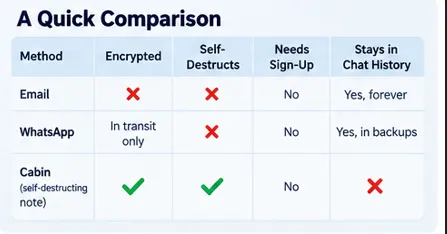
| Method | Encrypted | Self-Destructs | Needs Sign-Up | Stays in Chat History |
|---|---|---|---|---|
| ✗ No | ✗ No | No | ✗ Yes, forever | |
| In transit only | ✗ No | No | ✗ Yes, in backups | |
| Cabin (self-destructing note) | ✓ Yes (AES-256) | ✓ Yes | ✓ No | ✓ No |
Extra Tips for Sharing Sensitive Data
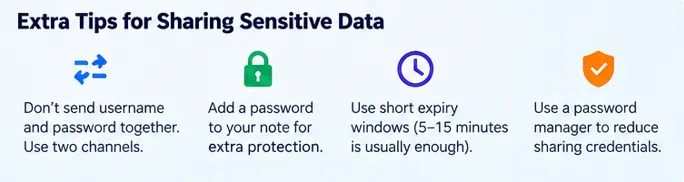
- Never send a password and username together in the same message — split them across two different channels if possible.
- Add a password to your note for an extra layer of protection, especially when sharing with someone outside your organisation.
- Use custom short expiry windows — 5 or 15 minutes is usually enough for the recipient to open the link once.
- Avoid recycling the same password across services in the first place — a password manager reduces how often you need to share credentials manually at all.
Final Thought
Passwords, API keys, and confidential notes deserve better than sitting permanently in an inbox or a chat backup. The safest habit is simple: use a tool built to forget, not one built to remember everything forever.
Try creating your first self-destructing, encrypted note free at cabinn.in — no sign-up, no logs, gone the moment it's read.
FAQs
Can a self-destructing note be accessed again after it's been viewed once?
No. The moment the recipient opens the link in Burn After Read mode, the note is permanently deleted from the database. There is no backup, cache, or recovery option — not even Cabin can retrieve it afterward.
What happens if the link accidentally ends up with the wrong person?
If password protection is enabled, having the link alone is not enough to open the note — it also requires a password shared separately through a different channel. This extra layer protects you even if the link itself gets exposed.
Is a note sent through Cabin stored permanently on any server?
No. Notes are encrypted with AES-256 and stored only temporarily, until they expire or are opened in burn-after-read mode. After that, they are wiped completely from the database, with no long-term storage or logging.
Why is a tool like Cabin better than sending sensitive info over email or WhatsApp?
Emails and WhatsApp messages get stored, backed up, and remain searchable indefinitely, so sensitive information sent years ago could still exist in an inbox or chat backup. Self-destructing note tools are built so sensitive data disappears right after it is seen, leaving no trace behind.
Do I need to create an account to use Cabin?
No account is required. Cabin is fully anonymous — no sign-up, login, or email verification is needed to create, share, or receive a note, keeping the process fast and private.
Need to share a sensitive note or password securely?
Use Cabin to create AES-256 encrypted, self-destructing notes. No sign up required.